Splitwise has been a go-to bill-splitting app for years, helping millions log shared expenses and keep track of who owes who. But it still relies on manual admin to get the job done. Customers must manually add expenses and settle up later. Splitwise have also introduced limits on the free version of the app. Features like currency conversion, receipt scanning, and itemisation are only available on Splitwise Pro for £3.99 a month.
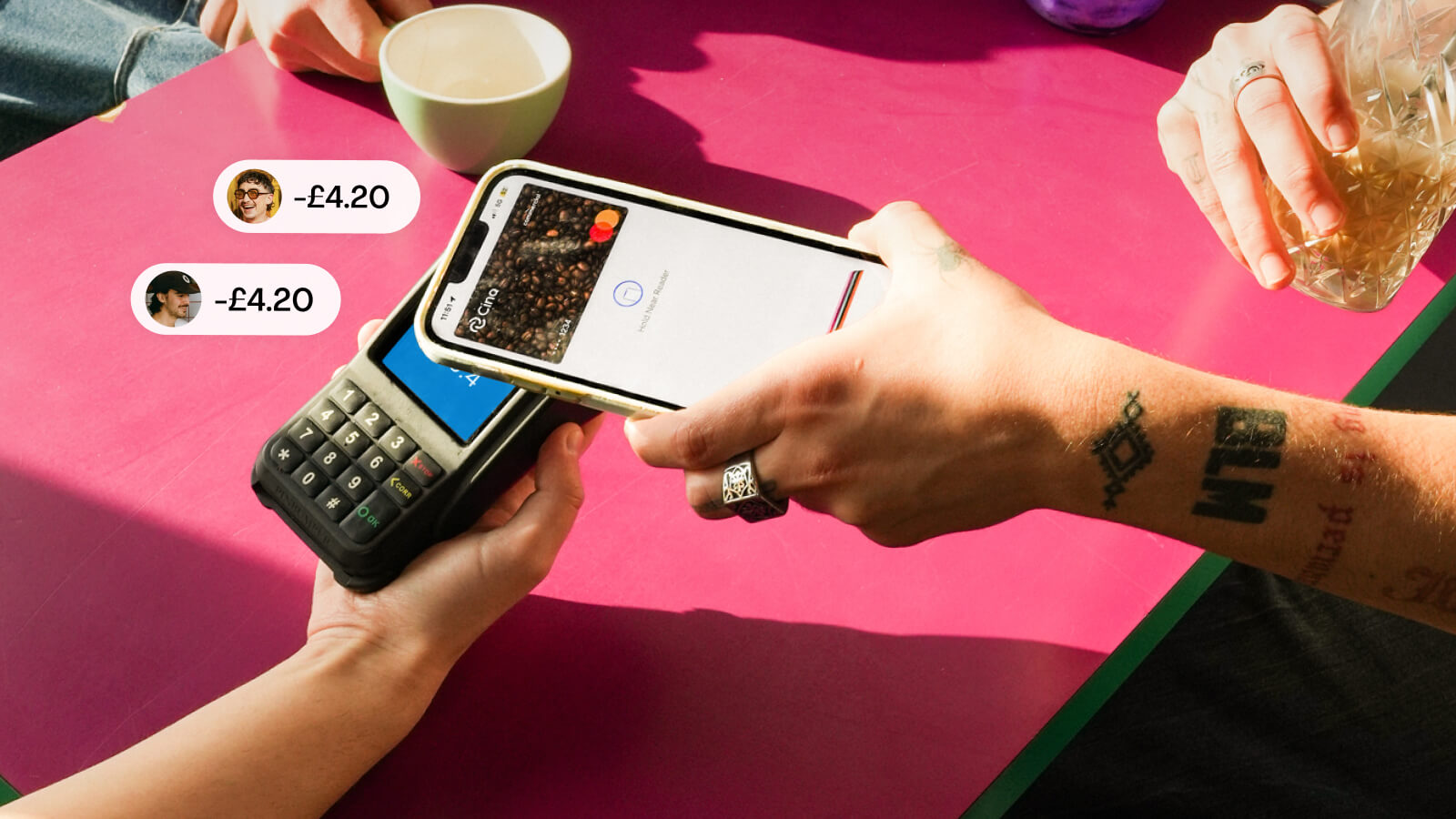
Cino is the latest Splitwise alternative, and the first bill-splitting app that automatically deducts your share of the bills from your own personal bank account. This solves a problem every app and bank ignores – fronting the bill! Cino works by creating shared virtual cards that link to everyone's own personal bank cards, so no one has to front the total bill or chase anyone for money after the bill has been paid.
Let's deep-dive into how it works and compare it with Splitwise to see which bill-splitting app comes out on top!

Splitwise has a free version, but it comes with increasingly heavy limitations:
Cino is completely free, and all features are included, including currency conversion which can actually save you up to 3% if you're using a bank that charges you fees abroad. some of the features that Splitwise offers aren't actually needed when you have Cino because the bill is split automatically when you pay. All your transactions are tracked automatically in the app so you don't need to manually add expenses or bother with uploaing receipts.
Splitwise was designed to make manual splitting easier — and it succeeds at that. It’s clean, simple and quick to set up.
But the process still looks like this:
This works until it doesn’t.During group travel, nights out, shared groceries or one-off expenses, Splitwise quickly becomes a chore — and someone always ends up down until the group settles.
Cino removes every step after “pay. Once your group is set up:
That’s it. No aftermath. No chasing. No waiting. No “settle up at the end.” The bill is split at the moment of payment — not hours or days later.
This also means:
Cino also solves the biggest annoyance of all: one-off expenses that don’t justify creating a whole Splitwise group. QuickSplit lets Cino users split a bill with anyone in seconds — even if they don’t have the Cino app. Just send them a link. They join by linking a card from Apple Pay or Google Wallet. You pay with your QuickSplit card.
Cino deducts everyone’s share instantly. Their details are deleted immediately after — nothing stored, nothing shared.
Perfect for:
.png)


