Whether you’re paying for broadband, TV, home phone, or a combined package, Virgin Media gives you several ways to pay your bill — but the easiest method depends on your account type, how you prefer to manage payments, and whether you share the bill with your household.
This guide breaks down every way you can pay a Virgin Media bill, the pros and cons of each method, and a clever solution for automatically splitting the bill with housemates or a partner.

The fastest, most convenient way to pay a Virgin Media bill is through the online “My Virgin Media” portal.
You can pay using:
Simply log in, select your bill, and choose “Make a payment.”
Payment clears instantly, making it ideal for one-off payments or catching up if you’ve missed a Direct Debit.
✔ Paying quickly without setting up Direct Debit
✔ People who want control over when payments are made
✔ Anyone who prefers paying with a debit or credit card
The Virgin Media app gives you the same functionality as the website:
It’s perfect if you want everything in one place on your phone.
✔ Mobile-first bill management
✔ Quick card payments while on the go
Direct Debit remains the most common and often the cheapest way to pay a Virgin Media bill.
When you set up a Direct Debit:
Virgin Media automatically adjusts your payments based on your usage, which can help smooth out larger bills.
✔ Predictable budgeting
✔ “Set and forget” payments
✔ Customers who want tariff discounts tied to Direct Debit
Virgin Media previously offered a phone payment option with card support. While they’ve streamlined their system to push customers toward online payments, some accounts may still allow:
This varies by customer category and region.
✔ People who prefer speaking to someone
✔ Urgent payments when online access isn’t available
Some customers — especially those on older or business-style accounts — prefer paying in person.
At PayPoint or some Post Offices, you can pay using:
It’s less common now, but still an option.
✔ Cash payments
✔ Customers without online access
Yes — Virgin Media accepts credit cards for most one-off payments through the website or app.
This can be useful if you:
Just check whether Virgin Media charges a card-processing fee (this has been mentioned in some billing documentation).
If you live with housemates or a partner, the real challenge isn’t just paying the Virgin Media bill — it’s splitting it fairly every month.
This is where Cino comes in.
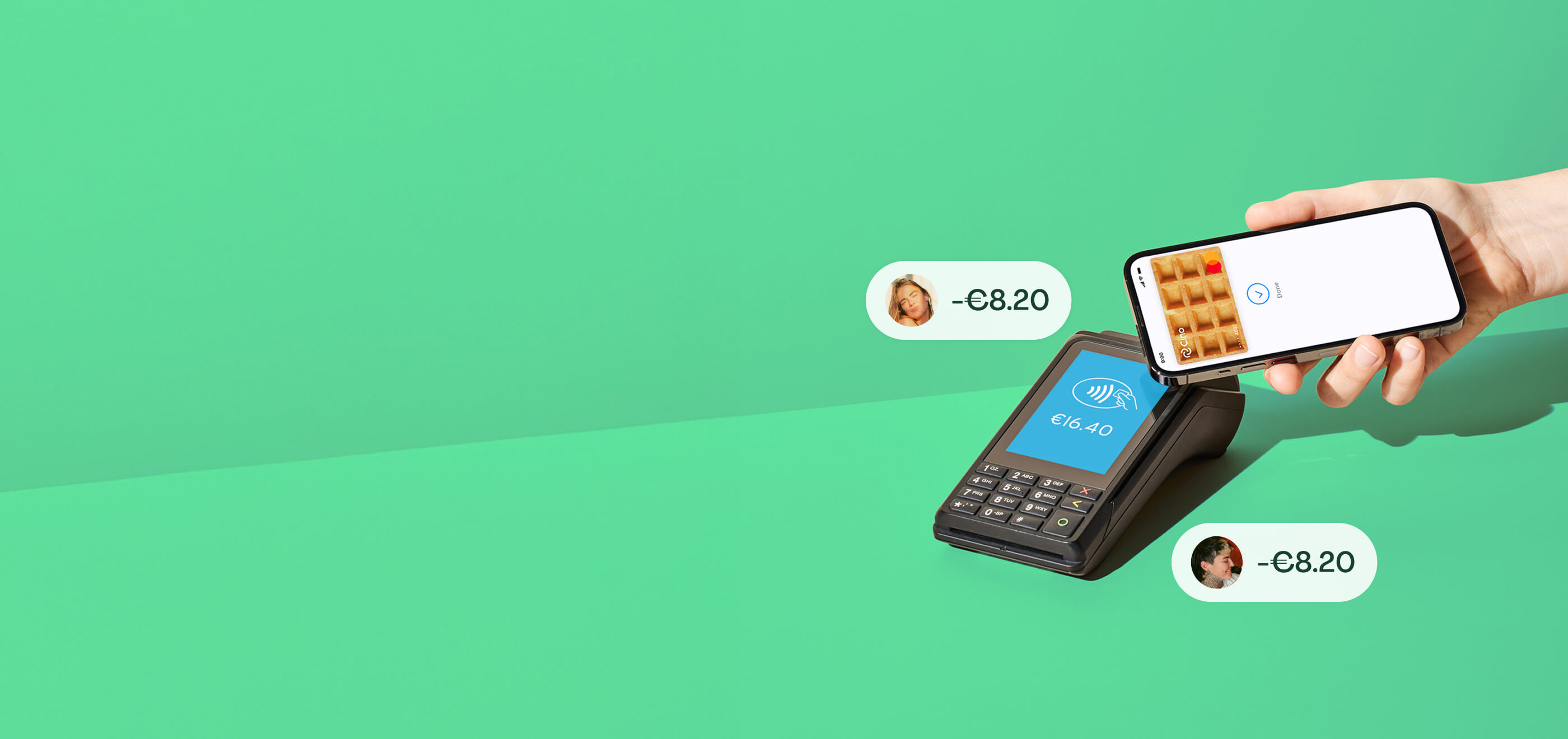
Cino is a bill-sharing app that uses a shared virtual card to split payments automatically the moment you pay.
✔ No one fronts the entire Virgin Media bill
✔ No chasing housemates for bank transfers
✔ No IOUs or spreadsheets
✔ Perfect for couples, students and flatshares
✔ Works with any debit or credit card
✔ Clear, automatic monthly records
Whether it's a £40 broadband bill or a £120 bundle with TV and landline, the payment gets split instantly and fairly.
If you connect a credit card to Cino, you can:
Everyone else pays their share with their own card — automatically.
It’s one of the easiest ways to turn your household bills into rewards without any risk of unpaid debts or awkward reminders.
Here’s a quick guide:
💡 Pay online with a debit or credit card.
💡 Set up Direct Debit.
💡 Pay with a credit card (and pay the card off monthly).
💡 Pay with the shared Cino card and let Cino divide the bill automatically.
There are several easy ways to pay your Virgin Media bill — online, via the app, by card, by Direct Debit, or even in person at some locations. But if you share your home and want to avoid fronting the entire bill or chasing repayments, the smartest option is to combine Virgin Media’s flexible payment system with Cino’s automatic bill-splitting.
One clean payment.
Everyone pays their share instantly.
No stress, no admin, no awkward conversations.
.png)


